What Are ICT Trade Alerts?
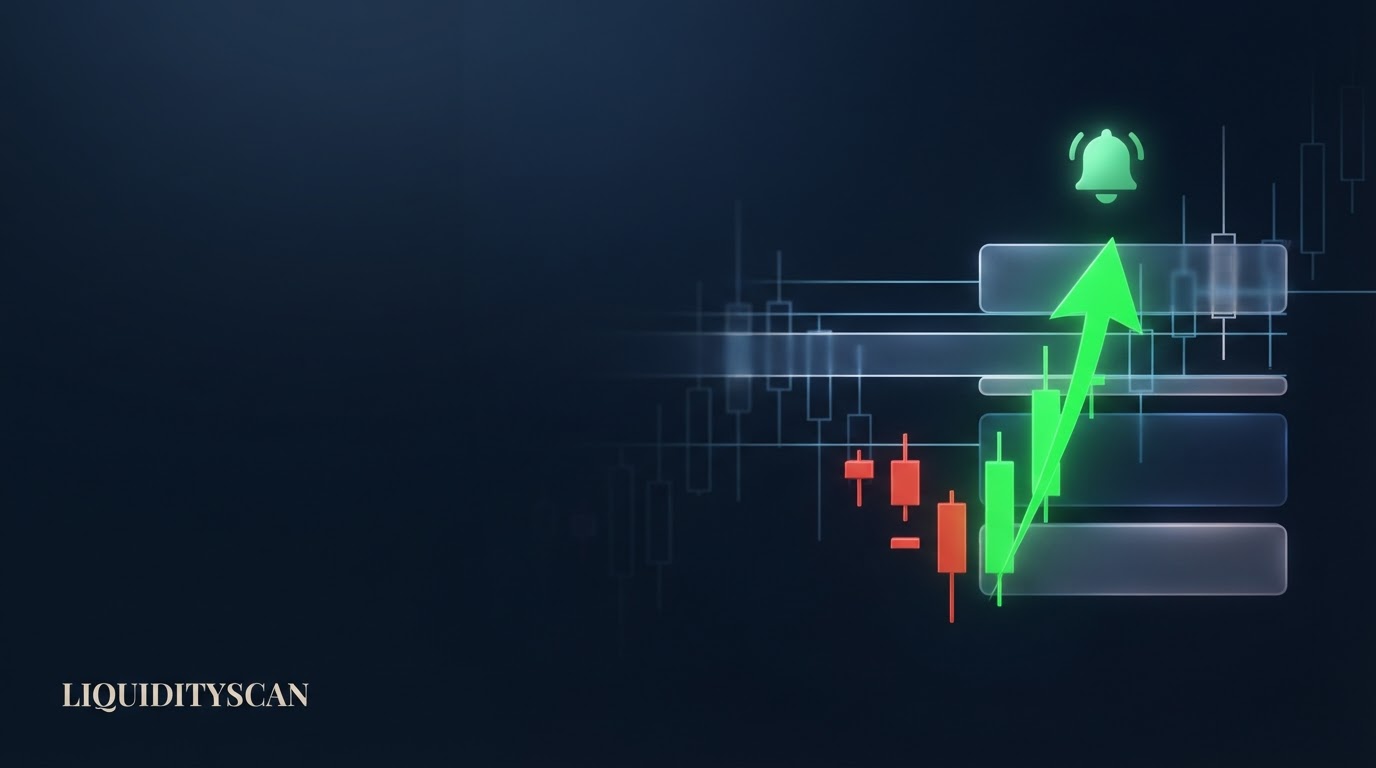
ICT trade alerts are automated notifications that fire the moment a scanner confirms a smart-money setup on a closed candle. Detection triggers a push to your browser, native Android device, and an in-app bell, so you learn about a setup within seconds instead of finding it hours later.
The point is coverage without attention. A scanner watches hundreds of pairs across multiple timeframes and sessions continuously, then interrupts you only when something you asked for actually forms. You stop hunting for setups and start reacting to them. That inversion is what makes alert-driven trading practical for anyone who cannot sit in front of a screen all day.
The Problem: You Can't Watch Every Pair, Timeframe, and Session
Manual ICT trading has a coverage ceiling. A Fair Value Gap (FVG) on the 1H, a Break of Structure (BOS) on the 4H, and a liquidity sweep on the daily can each form on any of 400+ instruments, and none of them wait for you to be watching.
The math is brutal. If you follow 30 pairs across four timeframes, that is 120 charts. Add the London, New York AM, and Asian killzones and the best setups tend to print when you are asleep or at work. The setup you spent weeks learning to recognize forms at 3:00 a.m. your time, mitigates, and is gone by breakfast.
Three failure modes follow from this:
- Missed setups. The clean Order Block retest you wanted happened on a pair you were not looking at.
- Attention fatigue. Flicking between charts for hours dulls judgment, so you force trades on marginal setups just to justify the screen time.
- Late entries. By the time you notice a move, price has already run to the Draw on Liquidity, and the entry is gone or the risk is now terrible.
ICT trade alerts attack all three by moving the watching to a machine and reserving your attention for the decision. A scanner has no fatigue, no timezone, and no favorite pairs.
It applies the same rule to the 4H close of every instrument at every candle boundary, which is the one thing a human at a screen structurally cannot do. The result is not more trades; it is the same discipline applied across coverage you could never reach manually.
How LiquidityScan ICT Trade Alerts Actually Fire
The mechanism is deliberately simple, and understanding it tells you exactly what an alert does and does not mean. Every scanner evaluates only confirmed, closed candles. The live, in-progress bar is always dropped. When a candle closes and a scanner's rules are satisfied, a detection is recorded, and that detection is what fires the alert.
From there, delivery fans out to your registered devices:
- Web Push (VAPID) to your desktop or mobile browser, even when the tab is closed, once you have granted permission.
- Native Android push (FCM) through the installed app.
- In-app bell and toast inside the platform, so a live session surfaces the alert immediately. iOS devices use the same underlying device registry as the bell and toast layer.
There is no separate signal-feed messenger involved. To be explicit, alerts are not delivered over Telegram; that channel exists only as a community-invite link, not for setup delivery. Everything runs through the web and native push registry above.
Because detection is re-derived on each scan and is idempotent, you get one clean notification per detected event rather than a stream of flickering updates as a candle forms and reprices. That idempotency also means a restart or a re-scan will not double-fire an alert you already received; the same detected event resolves to the same notification.
Different channels suit different moments, and it helps to know what each one is genuinely good for.
| Alert channel | Best for |
|---|---|
| Web Push (VAPID) | Desktop and browser mobile users; catching setups with the tab closed while you work. |
| Native Android push (FCM) | Phone-first traders who want a lock-screen ping without opening a browser. |
| In-app bell and toast | Active sessions at the chart; a running review of what fired recently. iOS uses this same device registry. |
| Confluence / Sequence alerts | Higher-conviction, multi-timeframe setups where you only want to be interrupted when several factors line up. |
| OB+ / FVG proximity alerts | Getting to the chart before the tap, as price approaches a fresh zone rather than after. |
What You Can Get Alerted On (Including Pre-Arrival Proximity)
Any scanner detection can drive an ICT trade alert. That covers the full engine catalog, so the alert reflects whatever model you actually trade:
- Market Structure (BOS / CHoCH) events for trend continuation and reversal reads.
- Super Engulfing momentum candles, CRT liquidity-sweep reclaims, and CISD market-structure shifts.
- Liquidity Sweep to Reversal sequences where a higher-timeframe pool is swept and a lower-timeframe pattern reclaims the level.
- OB+ / OB++ strong order blocks and nested FVG+ / FVG++ gaps.
- Multi-timeframe Confluence setups, including ordered sequences where each leg must fire after the previous one.
Beyond fixed engines, the Scanner Studio (currently admin-facing) assembles custom no-code rules: an engine combined with indicators like RSI or ATR and context filters such as killzone, session, or a 24-hour volume floor, then alerts on that exact condition.
The point is that a setup need not be someone else's definition. A rule like a bullish Super Engulfing that only counts during the New York AM killzone on pairs above a volume floor can be built precisely, so the alert fires on that and nothing else.
The genuine differentiator is proximity. For OB+ and nested FVG zones, the alert is not fired after price has already reacted. A proximity loop tracks price as it approaches a fresh, unmitigated zone and moves through states, formed, then approaching, then touched.
You are alerted as price nears the zone, which is precisely when you want to be at the chart preparing an entry, not after the tap has already played out.
Why Closed-Candle Detection Means Alerts Don't Repaint
An alert is only useful if the thing it announced is still true when you look. This is where closed-candle detection matters. Indicators that read the live bar can show a pattern mid-candle and then erase it when the candle closes differently, a behavior traders call repainting. An alert built on that would ping you about a setup that no longer exists.
LiquidityScan drops the forming bar entirely and only detects on the confirmed close. A detected setup is stable: it will not flip-flop or vanish after the candle finalizes. When an ICT trade alert lands in your notifications, the level, direction, and geometry it describes are locked to a candle that has already closed.
Consider a concrete case. BTCUSDT wicks below an equal-lows cluster at 61,200 and the 4H candle closes its body back above at 61,650. That is a valid CRT reclaim on the confirmed close, so the alert fires on that close, not while the wick is still printing.
You can then trust the notification enough to decide whether the context around it, higher-timeframe bias and your own risk, justifies acting.
This is also why the no-repaint property compounds with proximity alerts. A proximity ping tells you price is nearing a zone that was itself detected on a closed candle, so both the zone and the approach are grounded in confirmed data rather than a live bar that might reverse.
You are reacting to something real, early, not to a shape that may dissolve on the close.
How to Set Up ICT Trade Alerts
Getting alerts running takes a few minutes and one browser permission. The workflow below assumes you already have an account.
Step 1: Enable push in the browser or app
Grant notification permission when prompted so Web Push can reach you with the tab closed. On Android, install the app to receive native FCM pushes. Both register your device in the same registry that also powers the in-app bell.
Step 2: Pick your pairs and scanners
Choose the instruments and the specific engines you want to hear about. Alerting on every scanner across every pair is a mistake; select the models you actually trade and the pairs you are prepared to take entries on.
If you want fewer, higher-conviction pings, lean on the multi-timeframe confluence and ordered-sequence setups rather than raw single-engine alerts. They only fire when several timeframes agree on one direction, so the interruption already carries context before you reach the chart.
Step 3: Mind the pair caps by plan
How many pairs you can alert on scales with your plan. The Free tier does not include alert pairs; Starter and Base add progressively more; Pro and Founder are unlimited. Pricing and gates were in transition through mid-2026, so check the live pricing page before assuming an exact per-tier number.
Step 4: Trade at your level, not on the screen
This is the payoff. Instead of watching charts for hours, you get pinged when your setup forms and open the chart to judge it. That is what makes ICT trade alerts a fit for part-time traders: coverage runs continuously while you are at work or asleep, and your limited screen time goes to decisions, not searching.
When an OB+ proximity alert says price is approaching a fresh 4H zone on a pair you follow, you glance at the higher-timeframe bias, decide, and close the laptop.
Mistakes That Turn Alerts Into Noise
Alerts amplify whatever discipline you bring to them. Two mistakes reliably ruin the system.
Over-alerting on everything. If you enable every scanner on every pair, you will get dozens of pings a day, most of them setups you would never trade. The signal drowns in noise and you start ignoring the whole feed, which defeats the purpose.
Alert narrowly. Favor confluence and sequence conditions when you want fewer, higher-quality interruptions, and reserve broad single-engine alerts for the handful of pairs you know well.
Treating an alert as a signal to blindly enter. An ICT trade alert is a detected setup or a candidate, not a buy or sell instruction and not a guarantee of anything. Most engines surface a zone, a level, or a structure event, not an entry, stop, and target.
You still owe the trade your own read: is this with or against the higher-timeframe Draw on Liquidity, where is invalidation, what is the position size at your risk? The alert saves you the searching. It does not do the judging.
Used with that discipline, ICT trade alerts convert an impossible watching problem into a manageable stream of setups to evaluate, so you stop missing the moves you trained to trade and start showing up for them the moment they form.
Frequently Asked Questions
Do I need to keep the app or a browser tab open to receive alerts?
No. Web Push (VAPID) delivers to your browser even with the tab closed once you have granted permission, and native Android push arrives through the installed app on the lock screen. The in-app bell and toast are for when you are actively in a session; the push channels reach you when you are not.
Can I get alerted before price reaches an order block instead of after?
Yes, for OB+ and nested FVG zones. A proximity loop tracks price as it approaches a fresh, unmitigated zone and moves through formed, approaching, and touched states. The alert fires as price nears the zone, giving you time to reach the chart and prepare rather than reacting after the tap has already happened.
Why don't the alerts change after they fire?
Because detection runs only on confirmed, closed candles. The live forming bar is always dropped, so a setup cannot appear mid-candle and then repaint away. When an alert lands, the level, direction, and geometry are locked to a candle that has already closed, which is why the notification stays valid when you open the chart.
Is an alert the same as a buy or sell signal?
No. An alert reports that a scanner detected a setup or that price is approaching a zone. It is educational analysis, not a trade instruction, and most engines output a level or structure event rather than an entry, stop, and target. You judge context, invalidation, and risk yourself before acting.
Related query paths
Once alerts are catching setups for you, these guides deepen how the detection works and how to fold it into a real routine.
- How the LiquidityScan Scanner Works — the raw-candle-to-setup pipeline that fires every alert.
- Order Block Scanner: Real-Time OB & FVG — how the OB and FVG proximity detections you get alerted on are built.
- Best Fair Value Gap Scanner for ICT — what a nested-FVG alert actually represents and why nesting matters.
- LiquidityScan vs Manual Scanning — the coverage math that makes alert-driven scanning beat eyeballing charts.
- A Practical ICT Trading Model for Part-Time Traders — how to build a routine around alerts instead of screen time.
- Is LiquidityScan Reliable? — how the detection behind your alerts is validated.
- How to Build a Custom ICT Scanner With No Code — a related angle on custom scanner builder.