What Is the LiquidityScan Confluence Engine?
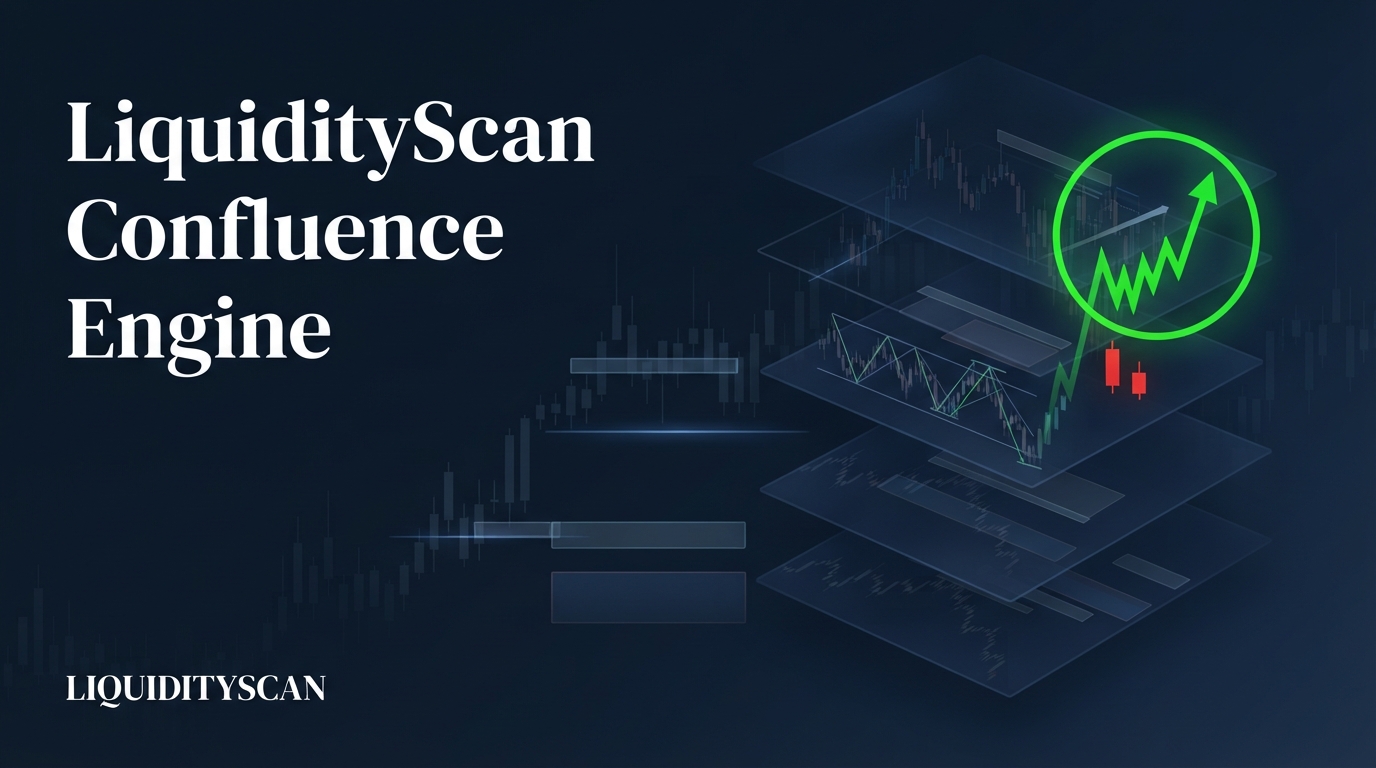
The confluence engine is a shared, logged-in catalog of pre-built, multi-timeframe setups that only appear when several scanners and timeframes agree on one direction. Instead of manually cross-checking charts, you read a live feed of setups that are already stacked and currently aligned.
Traders talk about "confluence" constantly: a bias on the higher timeframe, a structure shift on the mid, an entry pattern on the lower. The hard part is not the idea — it is doing the cross-check across dozens of pairs, every hour, without missing one.
The confluence engine flips that chore into a browsable list. Each entry is a recipe of scanner legs, and it surfaces only while every leg is live and pointing the same way. When the alignment breaks, the setup is marked dead rather than left to mislead you.
How the Confluence Engine Turns "Check for Confluence" Into a Live Feed
Every base scanner on the platform detects on closed candles only, so its signals do not repaint. The confluence engine sits on top of those scanners. It watches their live output and asks a simple question of each catalog setup: are all of this setup's required legs currently firing, on their required timeframes, in the same direction?
When the answer is yes, the setup shows up in the shared feed with a live count of how many symbols currently satisfy it on the bull side and the bear side.
When a leg drops out — a bias flips, a zone gets mitigated, a candle budget expires — the match falls off or the setup is flagged as dead. Three properties make this useful:
- Direction-locked: a setup only counts when the legs agree on one direction. A bullish weekly read paired with a bearish daily read is not confluence, so it never appears as a match.
- Multi-timeframe by construction: most setups deliberately span two or three timeframes, so you see the higher-timeframe context and the lower-timeframe trigger together.
- Curated, not random: the catalog is a hand-built list of setups that make trading sense, not every arithmetic combination of engines.
The result is that the confluence engine answers a question you would otherwise answer by hand: right now, which pairs have a genuine multi-scanner alignment, and in which direction?
The Three Confluence Tiers: Dual, Triple, and Sequences
The catalog is organized into three tiers by how many confirmations a setup requires and whether their order matters.
- Dual — two confirmations. They can share a timeframe or cross timeframes, for example a Weekly bias plus a Daily CRT (Candle Range Theory) sweep. Both legs must be live and agree on direction.
- Triple — three confirmations stacked, typically top-down across timeframes, for example a Monthly bias into a Weekly read into a Daily trigger. More legs means a stricter filter and, usually, fewer live matches.
- Sequences — ordered playbooks. Each step must fire after the previous one in time, not merely at the same moment. A Change of Character (CHoCH) followed by an Order Block (OB+) tap is the classic example.
Dual and Triple are about how many things agree. Sequences add a second dimension — the order in which they happened — which is why they get their own tier.
| Tier | Confirmations | Order matter? | Typical shape | Reads as |
|---|---|---|---|---|
| Dual | 2 | No | Weekly bias + Daily CRT | Basic agreement, more live matches |
| Triple | 3 | No | Monthly → Weekly → Daily | Stricter top-down stack, fewer matches |
| Sequence | 2–3, in order | Yes | CHoCH → OB+ tap | A single event that unfolded step by step |
Why Sequences Are Special: Order Is Information
Two events co-occurring is weaker evidence than the same two events unfolding in the right order. A CHoCH and an OB+ tap that happen to be true at the same instant tell you the market is at an interesting level.
A CHoCH and then an OB+ tap tells you a story: structure flipped first, price pulled back into the order block that produced the flip, and it is now testing that zone. That is a different, higher-quality event.
Sequences enforce that story. In the engine, an ordered setup only completes when each leg fires after the previous leg's candle closes — a greedy chain evaluated on close time. If the OB+ tap prints before the CHoCH, the sequence does not fire, because the causal narrative you care about did not happen.
This is the same logic the Market Structure scanner uses for its ordered patterns, where a setup like "CHoCH → BOS → BOS" only completes when the events land in that exact order.
The practical payoff: a Sequence match is not just "these things are present." It is "these things happened in the sequence that makes the setup mean something."
What Each Catalog Entry Shows You
Open any setup in the catalog and it is transparent about what it requires and what is currently true. Each entry shows:
- The ordered recipe — every leg spelled out as a timeframe plus an engine, so you can see exactly what has to be true (for example: Leg 1: Daily ICT Bias bullish; Leg 2: 4H CHoCH bullish; Leg 3: 1H OB+ tap). Nothing is hidden behind a score.
- Live bull and bear counts — how many symbols right now satisfy the setup long, and how many short. This tells you both where the opportunities are and how selective the setup is at this moment.
- An "Expired" marker — when a previously live match goes dead because a leg dropped out or a timing budget elapsed, the setup is flagged rather than silently left on screen. You are never looking at a stale alignment that has already broken.
Because the recipe is explicit, you can judge a match on its merits. If a setup requires a Weekly bias leg and the weekly candle read looks marginal to you, you can weight it accordingly. The engine surfaces the alignment; you keep the judgment.
A Worked Example: A CHoCH → OB+ Tap Sequence in the Feed
Suppose ETHUSDT has been grinding lower on the 4H. A bearish internal trend is intact until a 4H candle closes above the most recent lower high — a bullish CHoCH, structure flipping from down to up. That is leg one of a Sequence setup, and its close time is now stamped as the anchor.
Over the next several hours, price retraces into the order block that launched the break — the last down-close candle before the impulsive move that took buy-side liquidity. As price wicks into that zone, the platform's OB+ scanner registers a tap: formed, approaching, touched.
That tap prints after the CHoCH candle closed, so leg two completes in order. The Sequence fires, ETHUSDT appears in the feed on the bull side, and the recipe shows both legs with their timeframes.
Contrast that with a Dual setup you might also be watching: Weekly bias bullish plus Daily CRT bullish on BTCUSDT. Both legs are simply "true right now" — there is no ordering requirement, so the match is about agreement, not about a story unfolding.
Same engine, different tier, different kind of evidence. If BTC's weekly read flips mid-week, that Dual match is marked Expired and drops from your bull count.
Notice what you did not have to do. You did not open ETHUSDT, scroll back on the 4H to confirm the CHoCH, then hunt for the origin order block, then sit at the chart waiting for the tap — and you did not repeat that across the rest of your watchlist.
The confluence engine ran that check on every eligible pair and handed you the one where the ordered story actually completed, with the recipe attached so you can verify the read in seconds rather than reconstruct it from scratch.
How It Relates to Core-Layer and Scanner Studio
The confluence engine does not live alone. It sits between two other surfaces, and knowing the difference keeps expectations straight.
- Core-Layer is the automatic stacker. It folds live Super Engulfing, CRT, and ICT Bias signals into alignment chains where the same direction lines up across timeframes — Weekly plus Daily plus 4H all bullish, for instance. It builds these stacks on its own from a fixed set of base engines and anchors them by timeframe. Think of Core-Layer as the always-on "where is direction stacking across TFs?" layer.
- The confluence catalog is the curated, multi-engine layer. Its setups can mix engines Core-Layer does not stack — Market Structure, OB+, and the rest — and can enforce ordering. These are hand-picked playbooks, not automatic same-direction stacks.
- Scanner Studio is where the catalog setups actually come from. Each catalog entry is a Studio scanner published globally. Studio is the no-code rule builder that lets you combine any engine with indicators and context filters — including higher-timeframe wrappers, an event-versus-holds-now mode, direction-agreement enforcement, and ordered sequence rules. If a catalog setup is close but not quite yours, you can build your own private version there.
So the reading order is: Core-Layer for automatic timeframe stacks, the confluence catalog for curated multi-engine and ordered playbooks, and Scanner Studio to author your own.
Honest Limits: Alignment Is Context, Not a Trade Call
A live confluence setup is a high-quality piece of context, and that is all it claims to be. The confluence engine does not publish a win rate, and a match is not an instruction to enter. Several honest caveats matter:
- Alignment is not a guarantee. Multiple timeframes agreeing raises the quality of the context; it does not make the outcome certain. Aligned setups still fail, and no percentage is attached to any of them.
- It is read-only context, not a signal service. The feed shows what is currently true across the scanners. It does not size a position, place a stop, or tell you to buy or sell. The trade decision, risk, and management stay with you.
- Legs can be marginal. Because each leg is a mechanical scanner read on closed candles, an individual leg near its threshold still counts as "true." The explicit recipe exists precisely so you can weigh each leg yourself.
Used that way — as a live shortlist of where multi-scanner alignment currently exists, with the reasoning laid bare — the confluence engine removes the tedious cross-checking without pretending to remove the risk. It is the difference between hunting for confluence pair by pair and reading a feed of setups that are already stacked and pointed one way.
Frequently Asked Questions
Is the confluence engine the same as Core-Layer?
No. Core-Layer automatically stacks same-direction Super Engulfing, CRT, and ICT Bias signals across timeframes from a fixed set of base engines. The confluence catalog is a curated list of multi-engine setups that can mix other scanners like Market Structure and OB+ and can enforce ordering. They are complementary layers, not the same surface.
Do I get an alert when a confluence setup fires?
The catalog itself is a shared, read-only feed you browse. Setups are published Scanner Studio scanners, and Studio scanners are evaluated market-wide each hour with push alerts. To get a personal alert on your own criteria, you build or clone the setup as a private scan in Scanner Studio.
What does "Expired" mean on a setup?
It means a match that was previously live has gone dead — a required leg dropped out, a bias flipped, or a timing budget elapsed. The engine marks it rather than leaving a stale alignment on screen, so you never act on confluence that has already broken.
Why do Sequences show fewer matches than Dual setups?
Sequences require their legs to fire in a specific order over time, not just co-occur, so far fewer symbols satisfy them at any moment. Triple setups are also stricter than Dual because they need three agreeing legs instead of two. Fewer matches is the intended trade-off for a higher-quality filter.
Related query paths
Follow the natural path from what the platform is, to how detection works, to the multi-timeframe thinking the confluence engine automates.
- What is LiquidityScan? — the full picture of the scanner the confluence engine sits on top of.
- How the LiquidityScan Scanner Works — from raw candles to a detected setup, the closed-candle mechanics behind every leg.
- ICT Top-Down Analysis: Multi-Timeframe Alignment — the manual method the confluence tiers automate.
- Best ICT Timeframes: HTF Bias to LTF Entry Guide — how to choose the timeframes a Dual or Triple setup should span.
- Liquidity Sweep Then MSS: Reversal Guide — a worked ordered sequence, the kind the Sequences tier encodes.
- Best ICT Scanner: How to Choose — how confluence tooling factors into picking a scanner.
- How to Build a Custom ICT Scanner With No Code — a related angle on custom scanner builder.
- who is LiquidityScan for: day, swing, and part-time traders — See how different trading styles use the Confluence Engine.